This is a short overview of my current home lab. It's where I do my day-to-day work, and it's where I'm building my own SOC for my network, so it isn't just a lab, it's something I use and learn from every day. It runs everything from my wifi to my IoT devices to media streaming. It's not something I play with when I feel like it. I work with it daily, and if something breaks and my girlfriend doesn't tell me first, my monitoring will. Nothing here is set in stone, and I keep improving it as I learn and grow.
The network
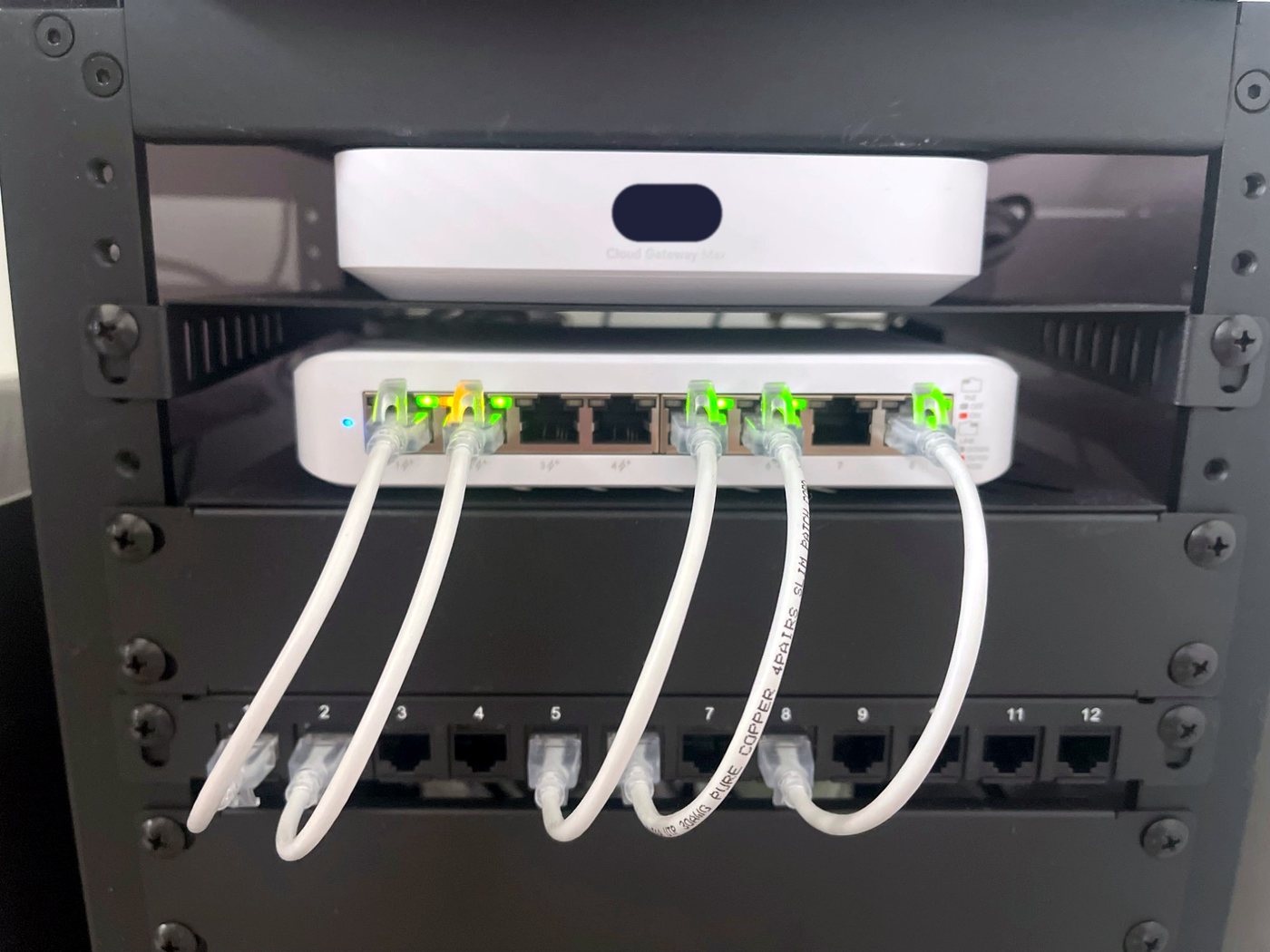
This is my UniFi Cloud Gateway Max and UniFi Switch Lite 8 PoE. Together they give me a network inside my apartment's network that I have more control over and can use for all of my projects. The Gateway Max acts as my router and feeds ethernet to the switch as well as directly to my MacBook Pro M1. The switch then feeds my apartment's network box, so the living room and bedrooms run on my personal network and not the apartment's, which leaves the apartment-supplied wifi for guests. The switch also feeds my UGREEN DXP4800 Plus, which houses my TrueNAS server, and my UniFi U6+ access point for the wifi on my network, covering some of my IoT and personal devices and the SIEM lab on the X1 Carbon laptop, since it doesn't have an ethernet connection yet. Most of this lives inside a 10-inch mini rack to keep everything neat and tidy.
The server
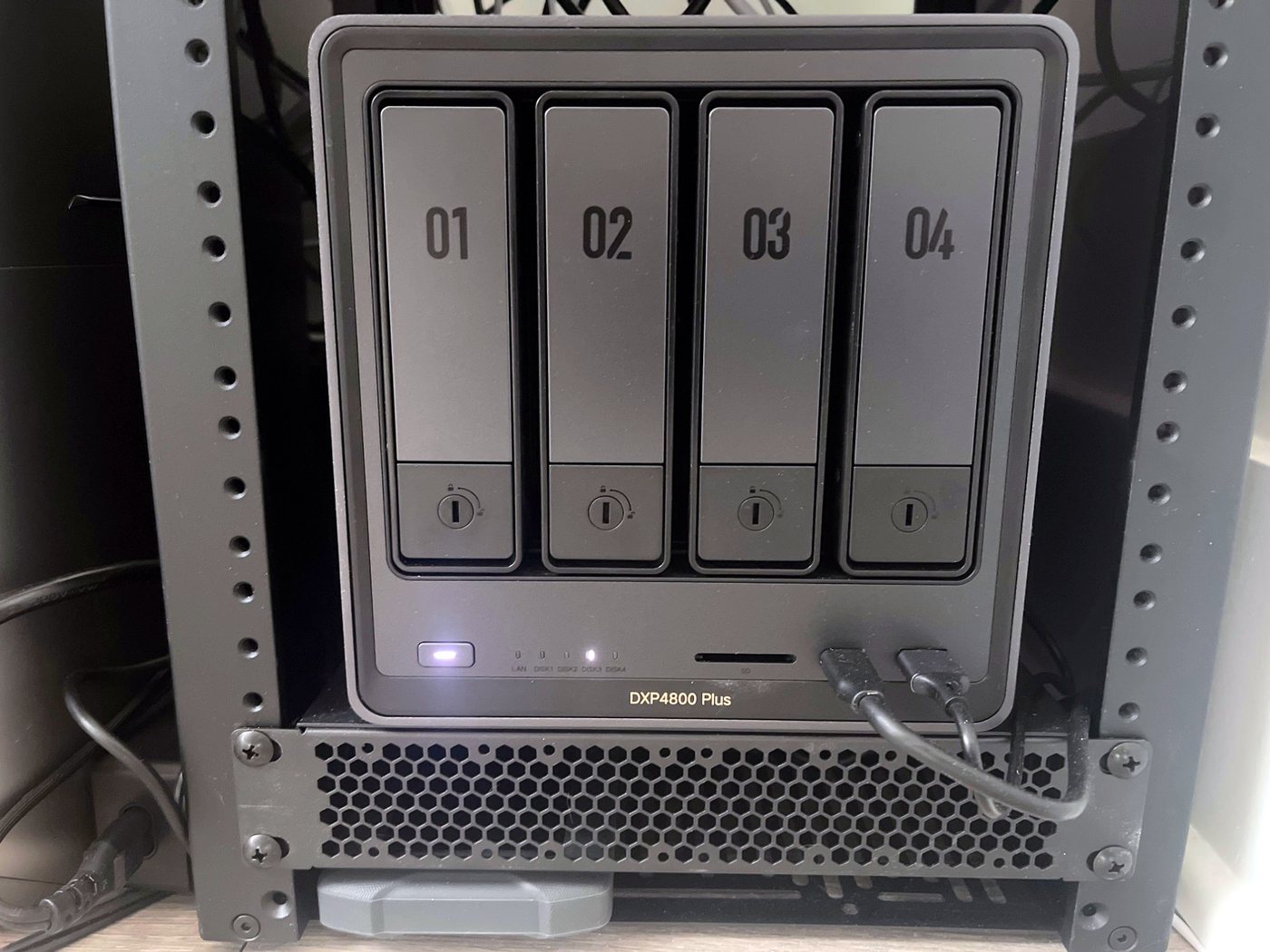
This is my UGREEN DXP4800 Plus, which runs TrueNAS and hosts all of my Docker services for my media server and system backups. Mostly it hosts my media for Jellyfin throughout the apartment, and over a Tailscale VPN tunnel when I'm outside my network. It runs Immich to back up photos from my devices, and it even has a schedule to automatically back up my iOS devices when they're on the network. I back things up in three steps: everything important lives on the TrueNAS server, that is backed up to the G-DRIVE, and the G-DRIVE is then backed up to a second G-DRIVE that lives off site and is updated periodically.
Power
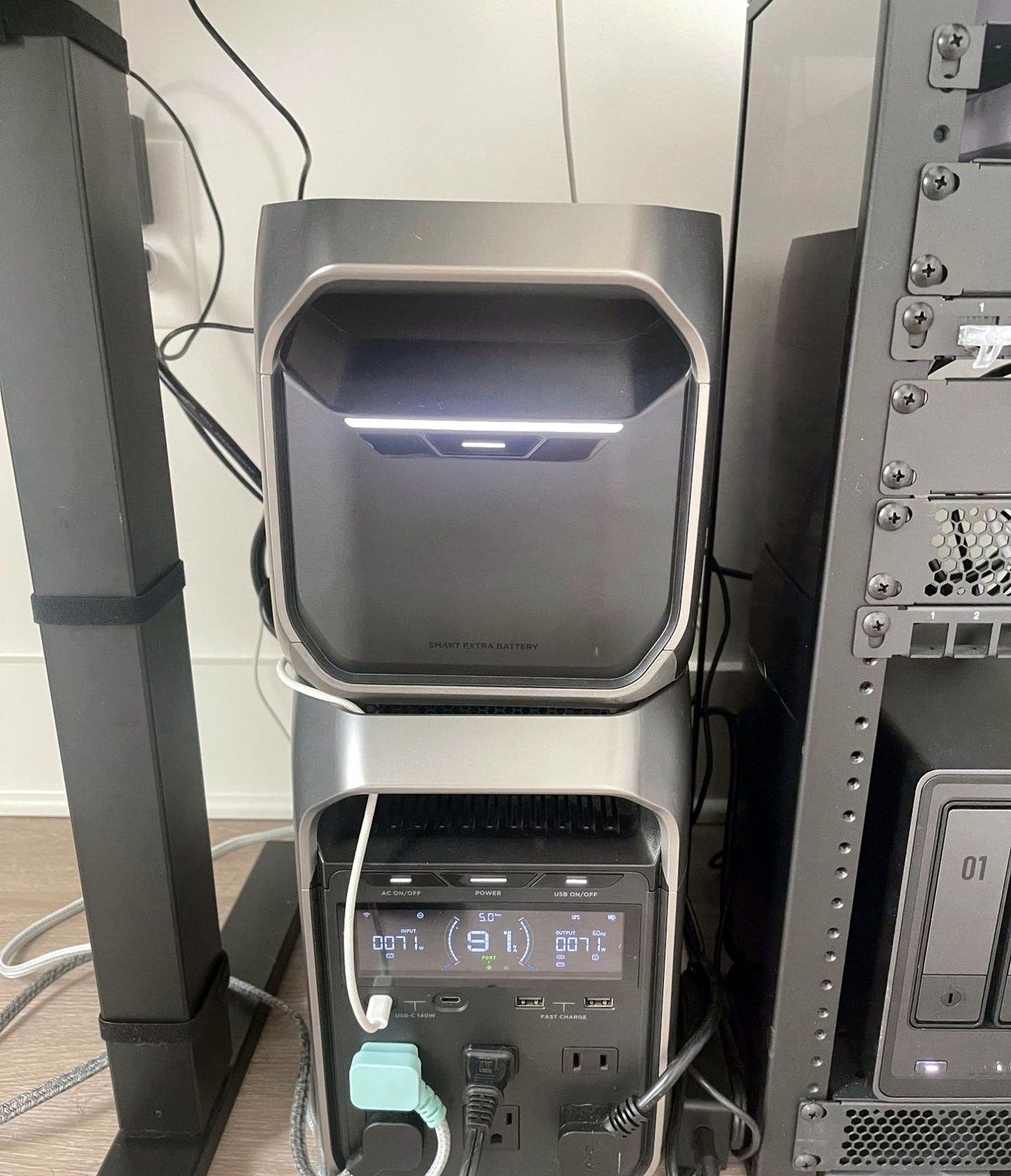
This is an EcoFlow Delta 3 Plus with an expansion battery. It's a solar backup battery for emergencies that also conveniently has a UPS function built in. My mini rack is plugged into an APC UPS, which is plugged into this unit along with my less critical desk items. In a power failure this gives me ample time to keep working and finish up tasks while also being able to safely shut down my systems. The EcoFlow notifies me when it switches to battery power no matter where I am, and the APC UPS acts as a redundant emergency supply just in case I don't manage to shut everything down in time on the EcoFlow.
The whole rack
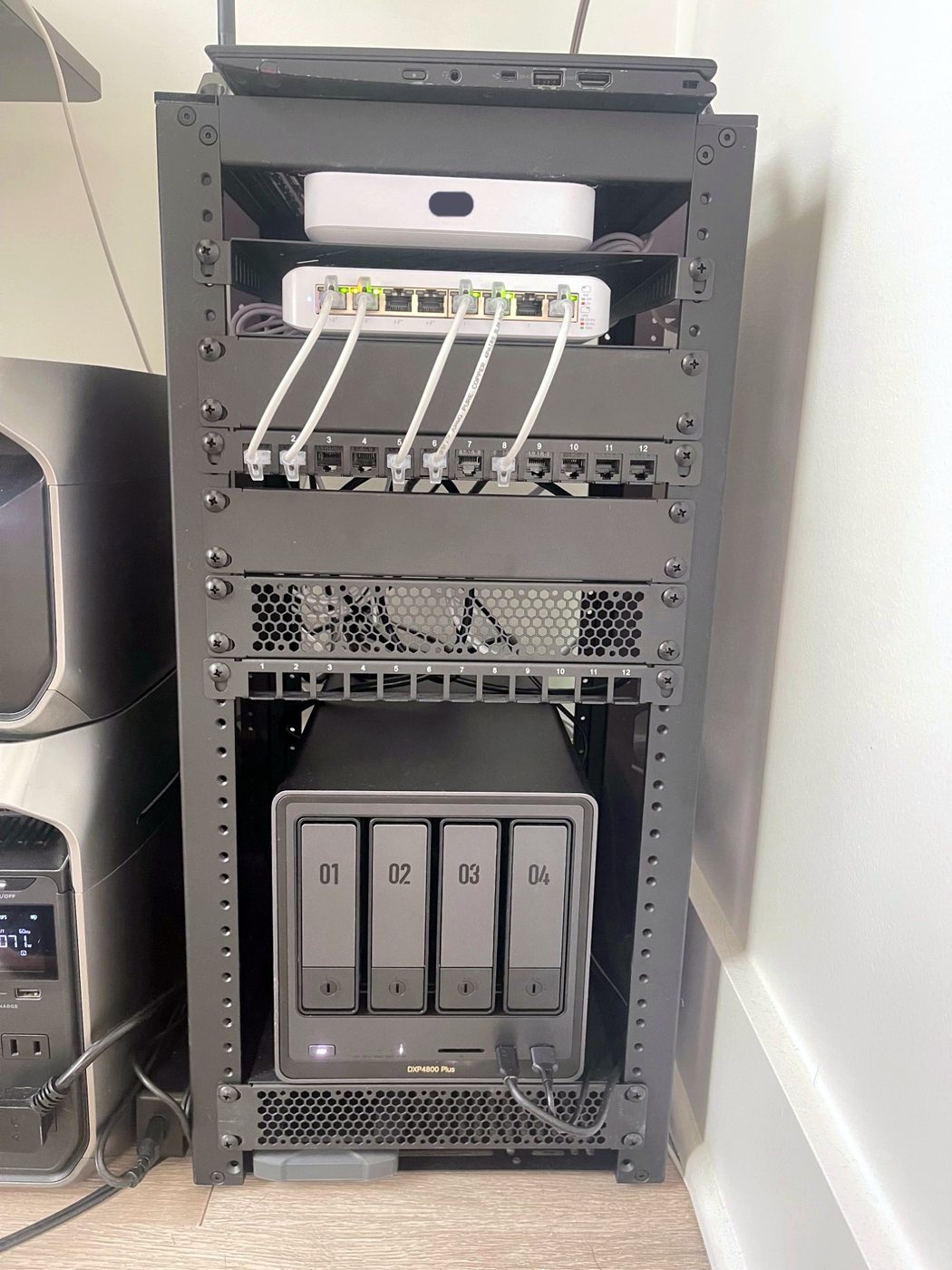
This is the entire mini rack, holding the UniFi Cloud Gateway Max, the UniFi Switch Lite 8 PoE, a patch panel, the UGREEN NAS, and the G-DRIVE, with the X1 Carbon on top. In the future I'd like to add more shelving to hold other devices for the home lab and server.
The desk
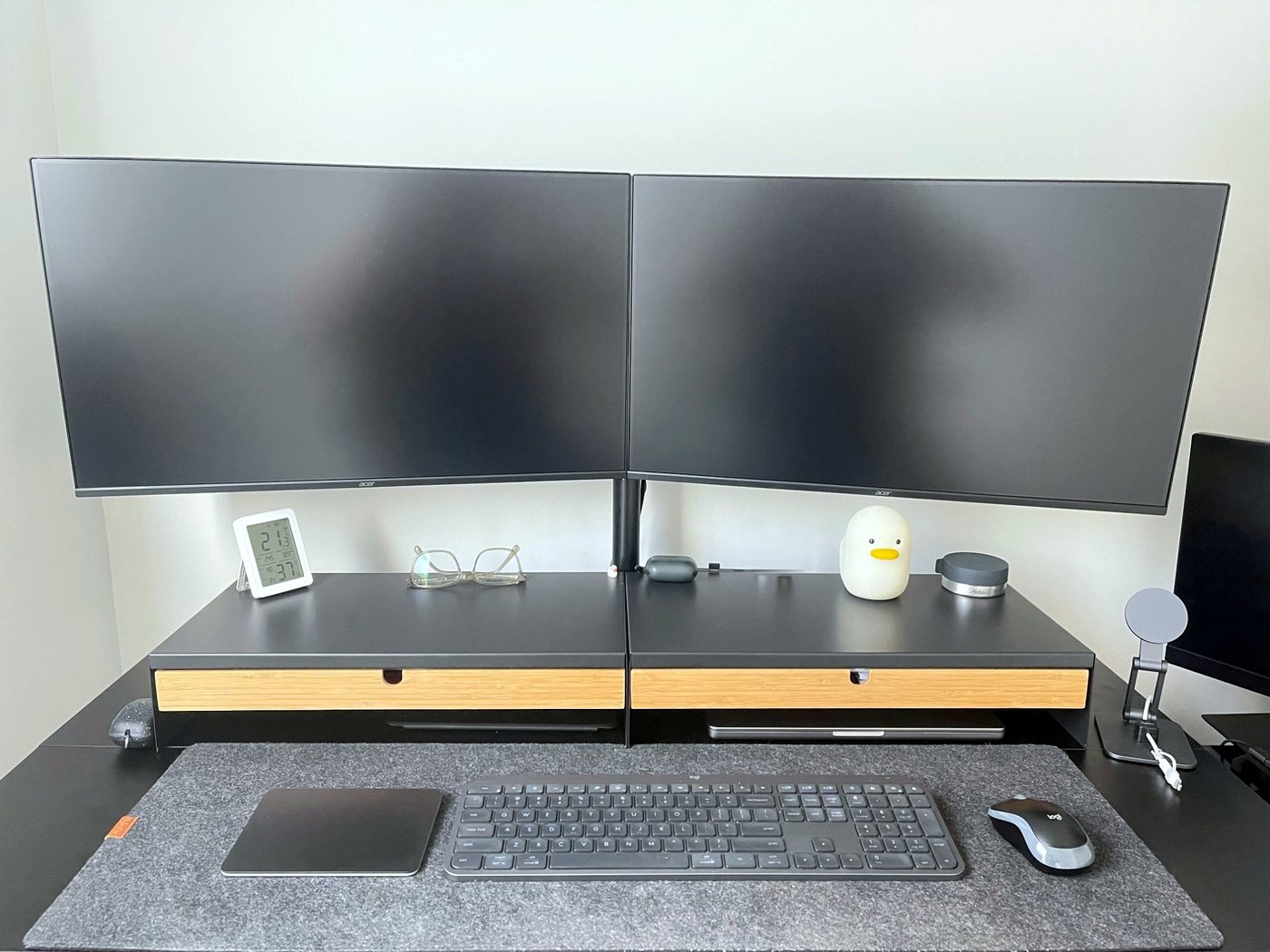
This is my desk setup, with dual monitors for easy task switching and monitoring. I try to keep the desktop as clean and minimal as possible so my focus stays on the work and projects in front of me.
Want to see what I run on top of this?
The lab on the X1 is a home SIEM built with Wazuh, with an attacker machine and a deliberately vulnerable target on their own isolated network. Here is the full writeup.
Read the SIEM lab writeup